WordPress Slow? Ten Common Causes, and What to Do About Each
WordPress isn't born slow. It becomes slow - update after update, plugin after plugin, banner after banner - until one day a customer tells you on the phone that "your site is stuck," and you discover they're right. The good news: it's almost always one of ten causes, and most of them you can locate yourself, without understanding code.
Before the list, one distinction: this guide is about a WordPress site that has become slow, and how to find the culprit. If you want to understand Google's speed metrics in depth and what counts as "fast", that's in the full speed guide. The two complement each other.
The five-minute check: find the culprit before fixing
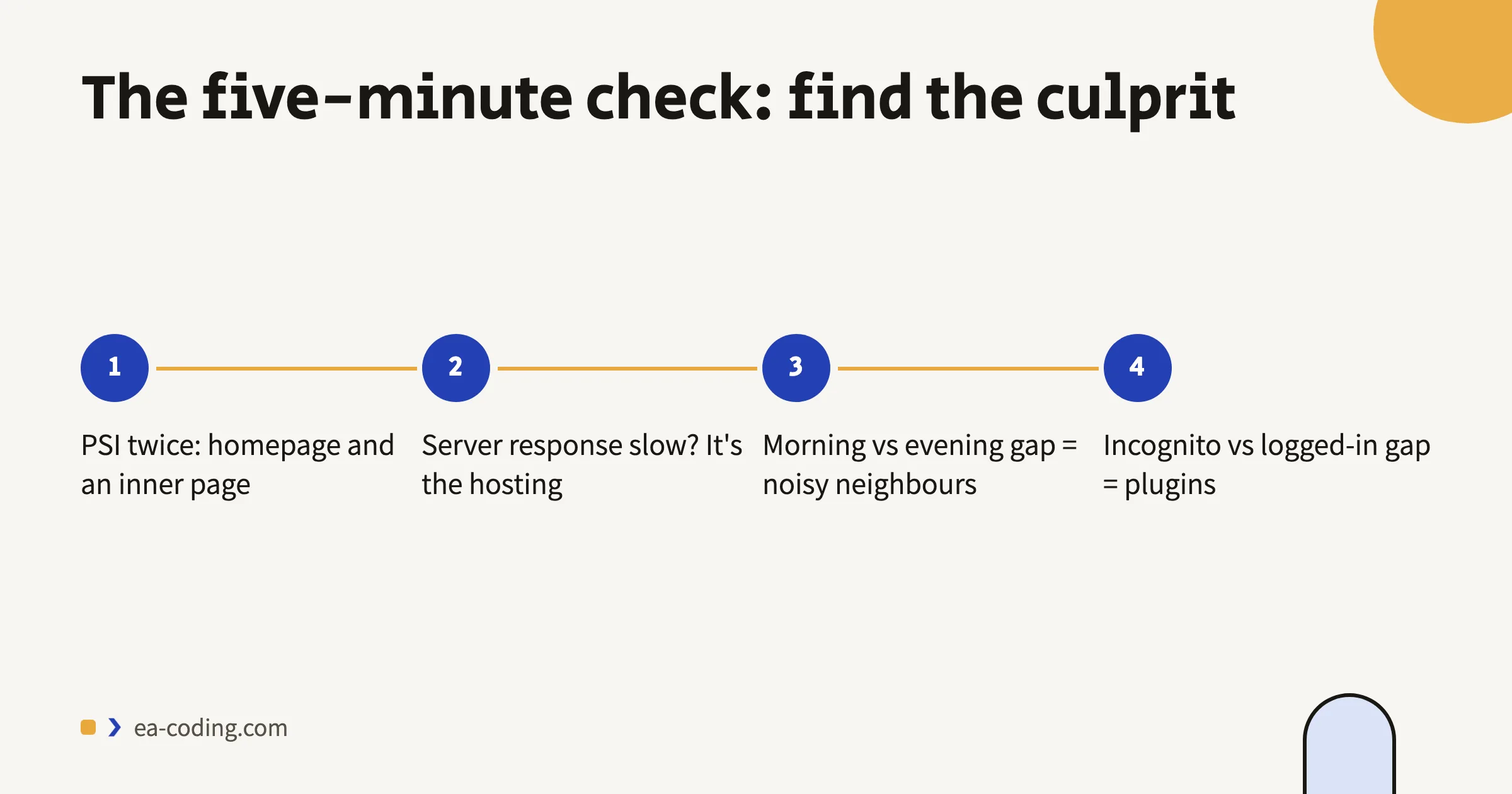
- Run the site through PageSpeed Insights - twice. Once for the homepage, once for an inner page. If only one is slow, the problem is in that page's content (usually images). If both - it's site-wide.
- Look at "initial server response time". If the server takes seconds just to start answering, the problem is below WordPress - in hosting or caching - and no amount of image compression will help.
- Test at different hours. Fast in the morning and slow in the evening is the signature of oversold shared hosting, not of your site.
- Open a page in an incognito window. If it's fast in incognito and slow while logged in, suspect plugins that run only for logged-in users, like page builders in edit mode.
Now that you have a direction - the list.
The ten causes, from common to rare
1. Too many plugins - and duplicates
It isn't the count that kills, it's duplication and quality: two SEO plugins, three caching plugins "just in case," a gallery plugin unused since 2021. Each injects code into every page. Go through the list and delete - not just deactivate - everything unused. A deactivated plugin is also a security risk, not just clutter.
2. Images uploaded as-is
A phone photo weighs several megabytes; the page needs it at a few dozen kilobytes. An optimization plugin that converts to WebP and compresses automatically solves it going forward; existing images get converted in a one-time pass.
3. No caching layer
Without a cache, WordPress rebuilds every page on every visit - database queries, PHP, everything - even when the page hasn't changed in six months. A properly configured caching plugin is the biggest improvement per effort, and sometimes your hosting already includes one at the server level - worth checking before installing.
4. Hosting that profits from you twice
Cheap shared hosting puts hundreds of sites on one server. You share a queue with all of them, and at peak hours - you wait. If the five-minute check pointed at server response time, the most cost-effective fix isn't in the site at all; I wrote about how to choose hosting without falling into the same traps.
5. A page builder on every page
Elementor and its kind are convenient to edit with - and add a code layer to every page, including ones with nothing dynamic in them. You don't have to abandon them; sometimes it's enough to rebuild only the genuinely heavy pages and keep the builder for content pages.
6. A slider at the top of the page
Five huge images and an entire JavaScript library so that almost everyone sees only the first slide. One good static image does a better job - marketing included.
7. Accumulated third-party scripts
An old pixel from a campaign that ended, a chat nobody answers, two analytics tools measuring the same thing. Each loads from a foreign server and delays. Do an inventory: whatever isn't in use - out.
8. A database nobody ever cleaned
By default WordPress keeps every revision of every page ever, and plugins leave tables behind even after deletion. After a few years the database carries dead weight. A dedicated cleanup plugin - after a backup - drops it.
9. A heavy or outdated theme
"Everything included" themes with a thousand options load the code for all thousand even when you use ten. If the theme hasn't been updated in years it's also a security problem - and sometimes a sign it's time to reassess rather than renovate.
10. An old PHP version
Upgrading the PHP version in your hosting panel is usually one click, and it delivers a real speed improvement for free. Check plugin compatibility on a backup first - then upgrade.
What you can do yourself, today
No developer and no risk: delete unused plugins, install an image-optimization plugin, enable one caching plugin (one!), clean the database after a backup, and upgrade PHP through the hosting panel. Five actions, and most slow sites feel the difference.
What does call for a professional: rebuilding a theme, replacing a builder, handling custom code, and diagnosis when the whole list above didn't help - because then the problem is more interesting.
Bottom line
A slow WordPress is almost always a neglected WordPress, not a broken one. An hour of housekeeping - plugins, images, cache, hosting - brings most sites back to life. And that hour is worth real money: every second of waiting is visitors giving up.
Went through everything and the site still crawls? Send me the address - I'll check, tell you exactly what's stuck, and whether it's something from the list or something more interesting. It's precisely what I do in website fixes.
More from the blog
Is an Accessibility Plugin Enough to Comply With Israeli Law?
A floating accessibility widget doesn't make a site comply with IS 5568. What the widget really does, where it fails, why it sometimes hurts, and what does cover you.
7 min readHow to Write a Website Accessibility Statement in Israel (With a Template)
The accessibility statement under Regulation 35: what the regulations require in it, where to put it, what never to write, and a template you can adapt to your site.
7 min readHow Do You Back Up a Website Properly? What, Where, and How Often
A backup that actually saves you: what must be in it (not just files), where never to store it, how often by site type - and how to know it works at all.
6 min read
Reaching me is the easy part.
A few lines in the form if you prefer writing - or straight to the channel you already use. Either way, it's me answering.